
Digitize whole photo albums in minutes.
Photograph the whole album page with your phone. Albumbox saves every picture on it separately and enhances it automatically. With one link, family and friends can see all the photos.


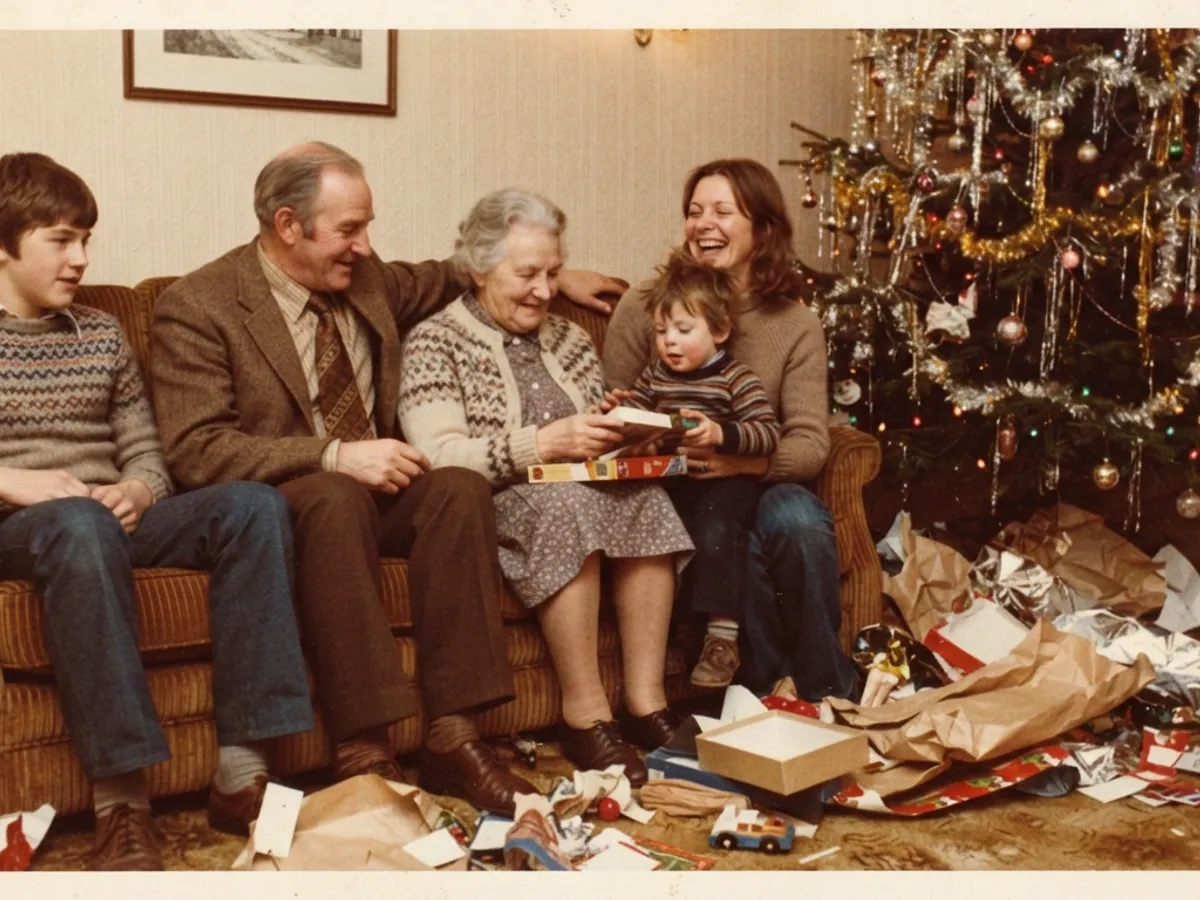
One shot per album page is enough
Albumbox finds every photo on the page and saves each one separately, automatically enhanced.









 Before
Automatically enhanced, with every scan.
Drag the slider: on the left, the photo as it looks in the album; on the right, how Albumbox saves it.

Up to six photos at once
You don’t have to take each photo separately. That’s how a whole album is digitized in just a few minutes.

Automatically enhanced
Albumbox enhances every photo as you scan. There’s nothing for you to edit.

One link for family and friends
Send a whole album as a link, for example on WhatsApp. Family and friends see every photo on their phone or computer, without an app.
Scanning is this easy
A whole album takes just a few minutes.
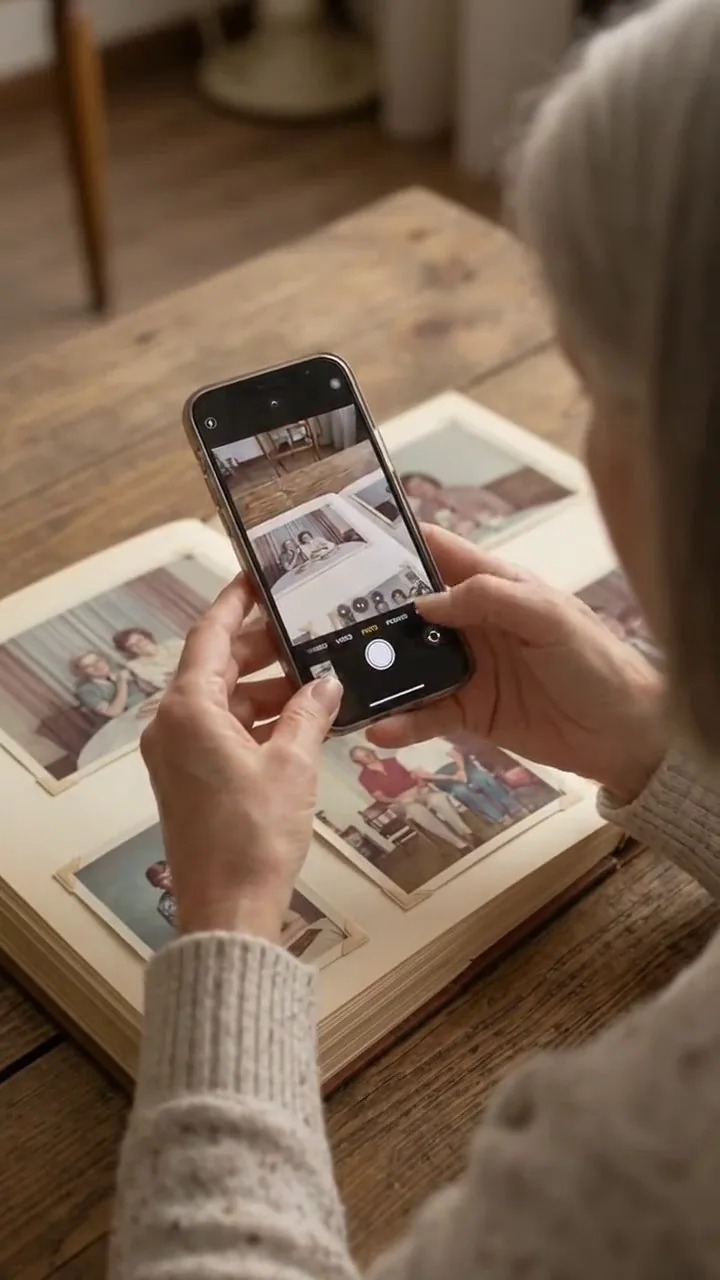
Photograph the page
Point your phone at the open album page and briefly hold down the shutter button. Up to six photos fit in one shot.
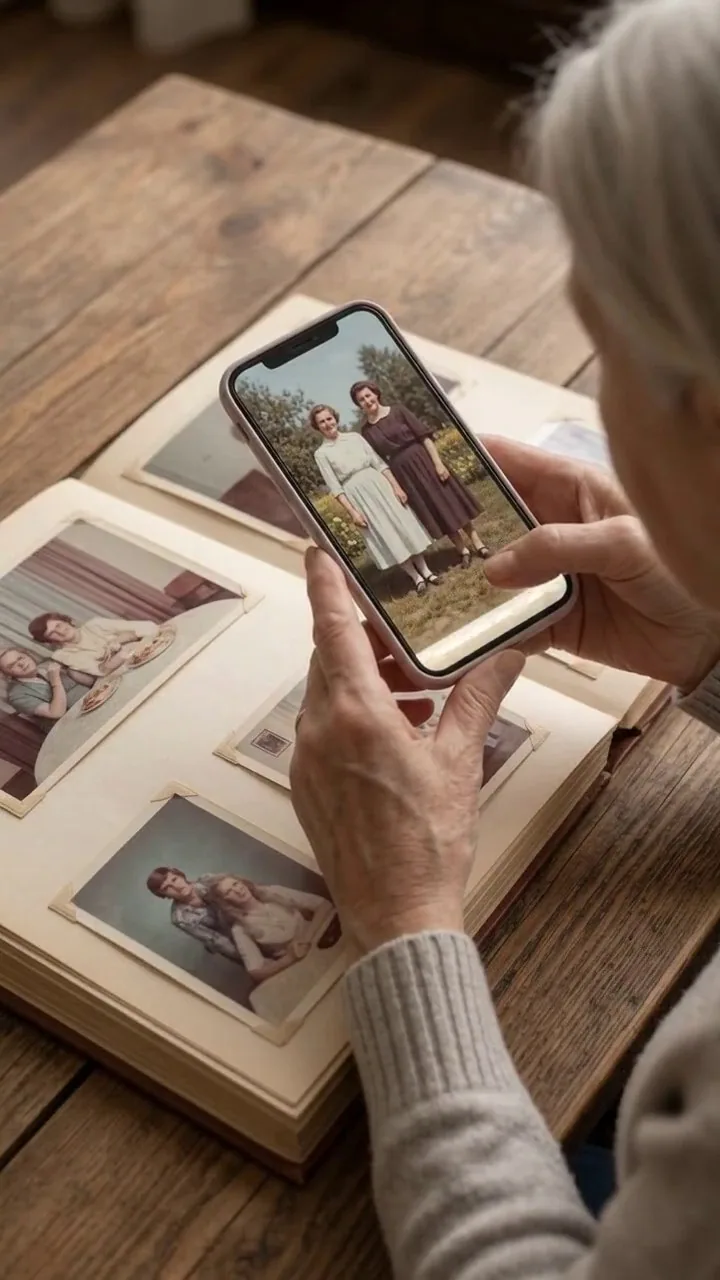
Each photo is found separately
Albumbox saves every photo on the page as its own picture and enhances it automatically.

Share with family and friends
Send the album as a link to family and friends, or save it to Photos.
Scratches gone, colors back.
Albumbox removes scratches and stains and adds color to black-and-white photos. Your original is always kept.
 BeforeAfter
Scratches and tears
Removes scratches, tears, dust and stains.
 BeforeAfter
Color
Adds color to black-and-white photos and brings faded colors back to life.

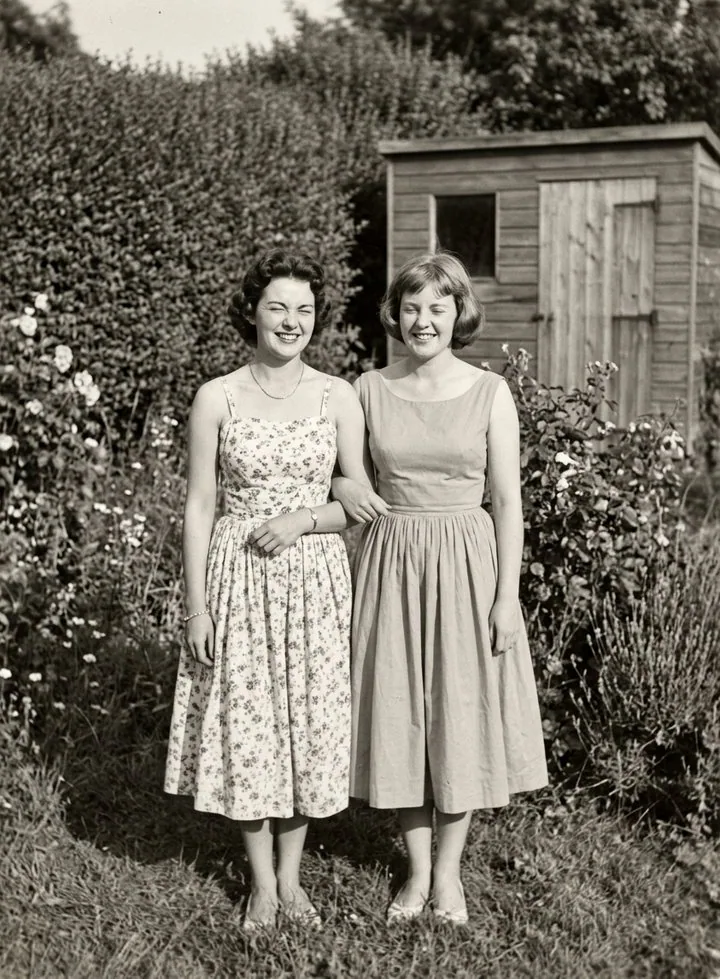
Who’s in the photo? Write it down.
Add the date, place and names right on the photo. That way the story behind every picture is kept, for your children and grandchildren too.
- Date, place and names for every photo
- Add them to several photos at once
- When you share, family and friends see it all
One link, and everyone can look through it.
Send a whole album as a link, for example on WhatsApp or by email. Family, friends or anyone you like see the photos right away, on their phone or computer, with no app and no sign-up.
- One link for the whole album
- Family and friends can download the photos
- Delete the link whenever you like, and the album is private again




Recommend Albumbox
Know someone with old photo albums? Send Albumbox as a link to family, friends or anyone you like.
- Large text and clear buttons
- Free scanning, no sign-up
- For iPhone and Android

Your photos are safe.
Private
We show no ads and sell no data. Your photos belong to you.
Encrypted transfer
When you share an album or have a photo restored, the photos are transferred encrypted.
Only what you share is shared
Only albums you share as a link are also stored on our server in the EU. Delete the link and they’re deleted there.
Frequently asked questions
Can’t find your question? Write to us at hello@albumbox.app.
Is Albumbox free?
Scanning, creating albums and adding dates and descriptions are free and unlimited. Everything else is on the pricing page.
Is scanning easy?
Yes. You hold your phone over the album page and press the shutter button, that is all. The text is large, and every step is explained.
Do I have to take the photos out of the album?
No. You photograph the whole album page, Albumbox finds every photo on it and saves each one separately. The prints stay where they are.
Where are my photos stored?
Your photos and albums are kept in Albumbox on your phone. Only when you share an album is it also stored with us, so others can view it through the link. If you have a photo restored, only that one photo is sent encrypted to our service provider and deleted afterwards.
Does Albumbox work on my phone?
Albumbox is available for iPhone and Android phones. The App Store and Google Play show which system version you need.




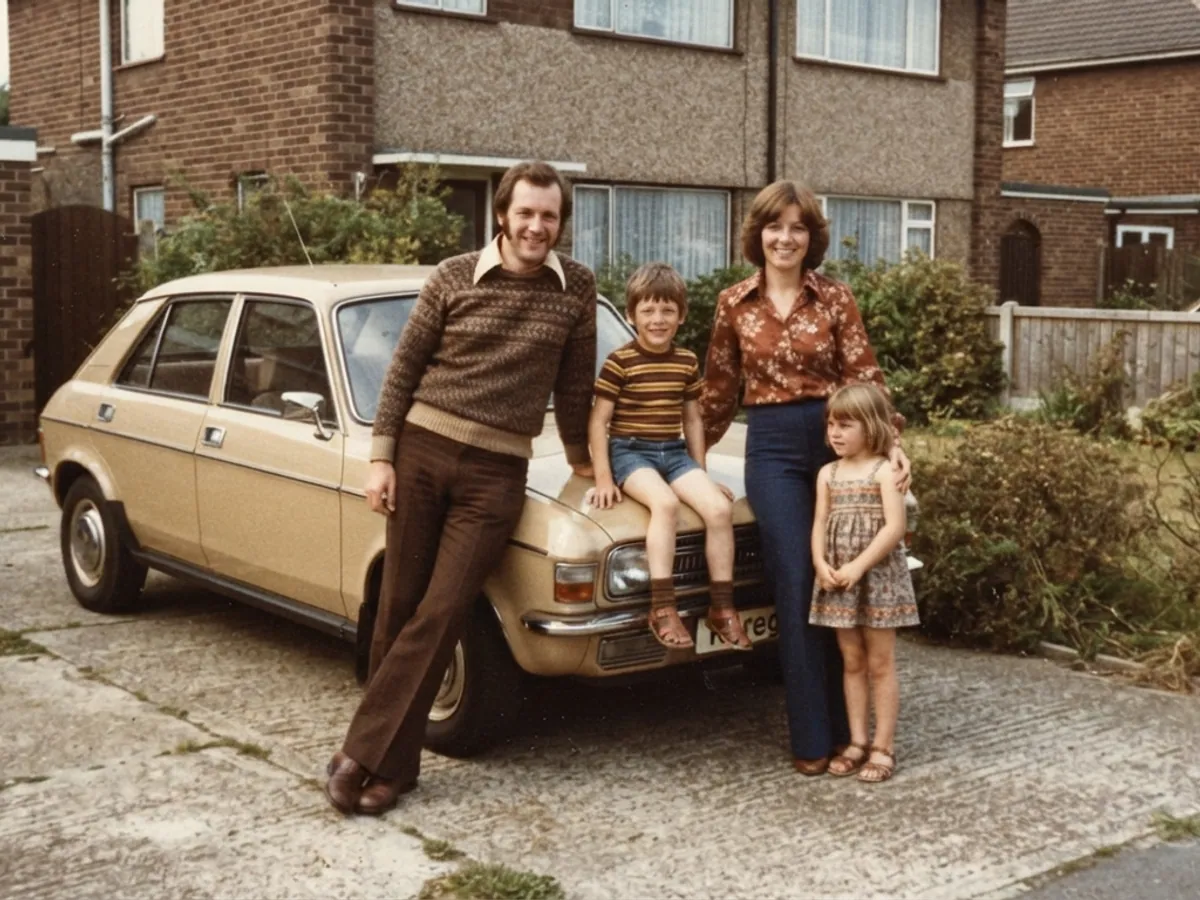


Which album will you scan first?
Download Albumbox for free. Your first album page is digitized in a few minutes.


 albumbox.app/app